Sales Teams, Security, and Human Error
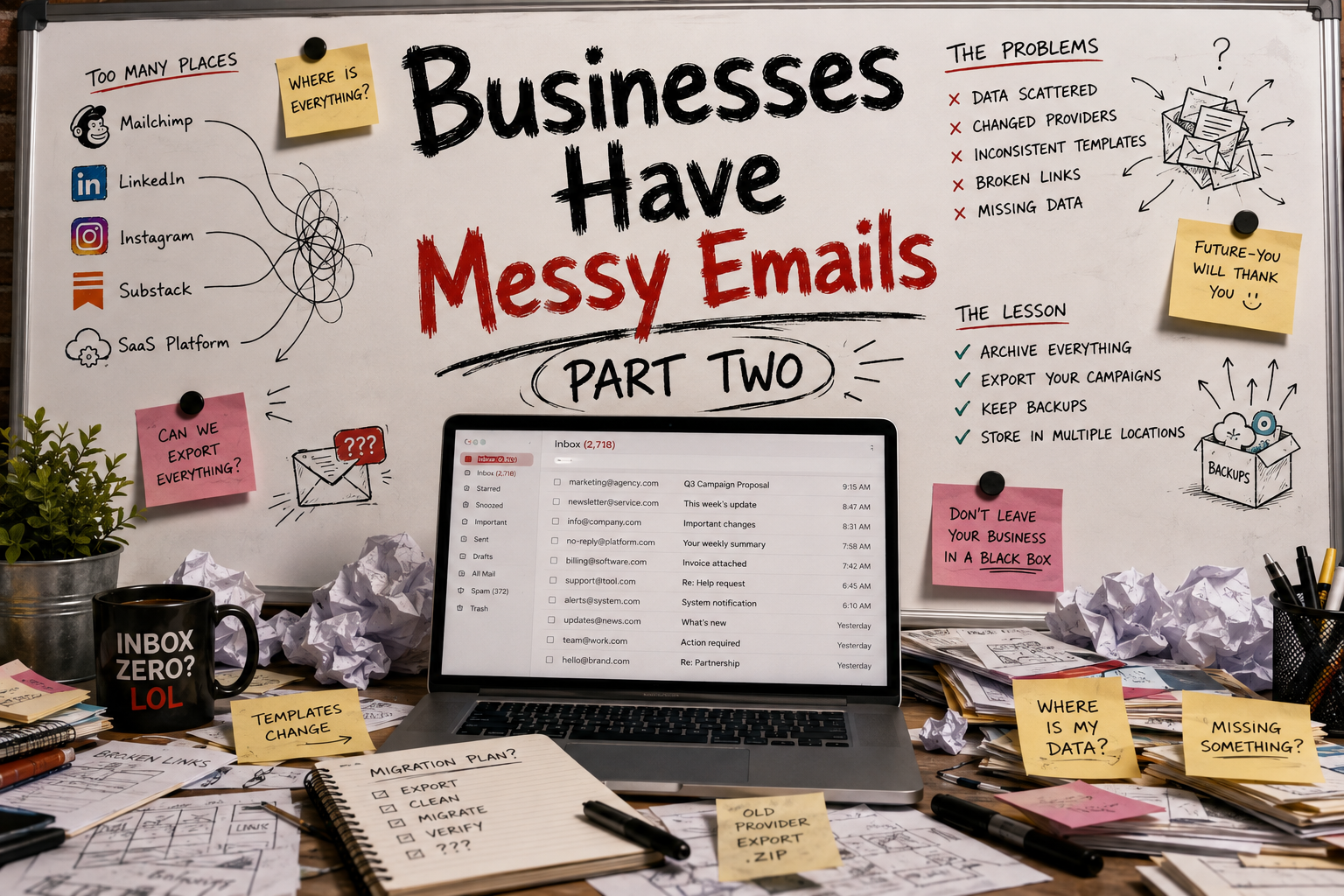
In the previous article, I talked about the chaos that often surrounds business communication. This time, let’s focus on sales teams.
Salespeople handle a surprising amount of sensitive information every day: customer records, contracts, pricing details, business contacts, sales pipelines, and sometimes even financial information. At the same time, they are often among the most mobile employees in a company, working from home, airports, coffee shops, and personal devices.
That combination creates security challenges that many businesses underestimate.
The Security Problem
Think about your own habits.
How often do you check work email from your personal phone?
Have you ever forwarded a work email to your personal inbox because it was more convenient?
Have you ever saved customer information outside of your company’s systems?
Most people have done at least one of these things.
The problem is that every additional device, application, or storage location creates another opportunity for data loss or unauthorized access.
Customer information should ideally exist in a single, controlled environment. Beyond improving efficiency, centralized data storage significantly reduces the risk of data breaches. The more places your data lives, the more opportunities there are for something to go wrong.
Phishing Never Stops
One of the most common threats facing sales teams is phishing.
Salespeople receive large volumes of emails from unfamiliar contacts every day. This makes them ideal targets for scammers and attackers attempting to steal credentials or gain access to company systems.
Employees should:
- Verify unknown senders.
- Be cautious when opening links and attachments.
- Report suspicious emails immediately.
- Follow established security procedures.
The faster a phishing attempt is reported, the more time IT teams have to contain potential damage.

Remote Work Creates New Risks
In a traditional office environment, employees typically use company-managed devices and secure corporate networks.
Remote work changes that.
Employees connect from home networks, shared workspaces, hotels, airports, and coffee shops. Every network introduces new risks, and not all of them are secure.
Some basic security measures include:
- VPN access.
- Multi-factor authentication (MFA).
- Identity and Access Management (IAM) solutions.
- Device monitoring and management.
- Encrypted communication.
These solutions are common in larger organizations, but they can be difficult for small businesses to implement consistently.
Too Many Communication Channels
Modern companies communicate everywhere:
- Slack
- Teams
- Telegram
- SMS
- CRM systems
While each tool serves a purpose, using too many communication channels creates confusion.
Confusion leads to mistakes.
Employees may send information through the wrong platform, share files with the wrong people, or miss important security warnings.
According to Verizon’s Data Breach Investigations Report, a significant percentage of security incidents involve human error. Simplifying communication workflows can reduce unnecessary mistakes and improve security at the same time.
A universal communication strategy may not eliminate every problem, but it reduces complexity—and complexity is often the enemy of security.

The Human Factor
Technology can solve many problems.
Human behavior is harder.
People send emails to the wrong recipient.
People mistype addresses.
People accidentally share confidential information.
People click links they shouldn’t.
Sales teams are particularly vulnerable because they move quickly. Speed is often rewarded, while caution is not.
As teams grow, these risks increase.
Cross-team collaboration introduces additional complexity, and the volume of information being shared grows rapidly. Managing access rights, protecting customer information, and preventing accidental data exposure become increasingly difficult.
What Small Businesses Can Do
Large enterprises often have dedicated security teams, specialized software, and mature internal processes.
Small companies usually don’t.
That doesn’t mean they can’t improve security.
Start with the fundamentals:
Secure Identities
Ensure only authorized employees can access company systems. Use strong passwords and multi-factor authentication.
Secure Devices
Monitor company devices and receive alerts when unusual activity occurs.
Secure Access
Restrict access based on location, role, and business requirements whenever possible.
Secure Data
Encrypt sensitive information, maintain backups, and regularly review who has access to critical systems.
Monitor Activity
Maintain logs and visibility into important business systems so suspicious behavior can be detected quickly.
Train Employees
Training remains one of the most effective security investments a company can make.
No software can completely eliminate human error, but education, planning, and automation can dramatically reduce it.

Final Thoughts
Security isn’t a product you buy once. It’s a process.
Sales teams sit at the intersection of customer relationships, company data, and business growth. That makes them both valuable and vulnerable.
The goal isn’t to eliminate every risk. That’s impossible.
The goal is to reduce complexity, centralize information, educate employees, and build systems that make the secure choice the easy choice.
Because at the end of the day, most security incidents don’t start with sophisticated hackers.
They start with ordinary people making ordinary mistakes.
Reading list
- https://mapmycustomers.me/blog/data-security-awareness-and-its-importance-for-sales-reps/
- https://intaso.co/news/building-a-high-performing-cyber-security-sales-team/
- https://www.rossross.com/blog/top-5-cyber-security-tips-for-sales-teams
- https://www.stillpointsystems.com/your-sales-marketing-staffs-role-in-cyber-security/
- https://www.nasp.com/blog/why-cybersecurity-is-now-a-more-important-topic-than-ever-for-remote-sales-teams/
- https://securityboulevard.com/2020/01/the-importance-of-training-your-sales-team-avast/