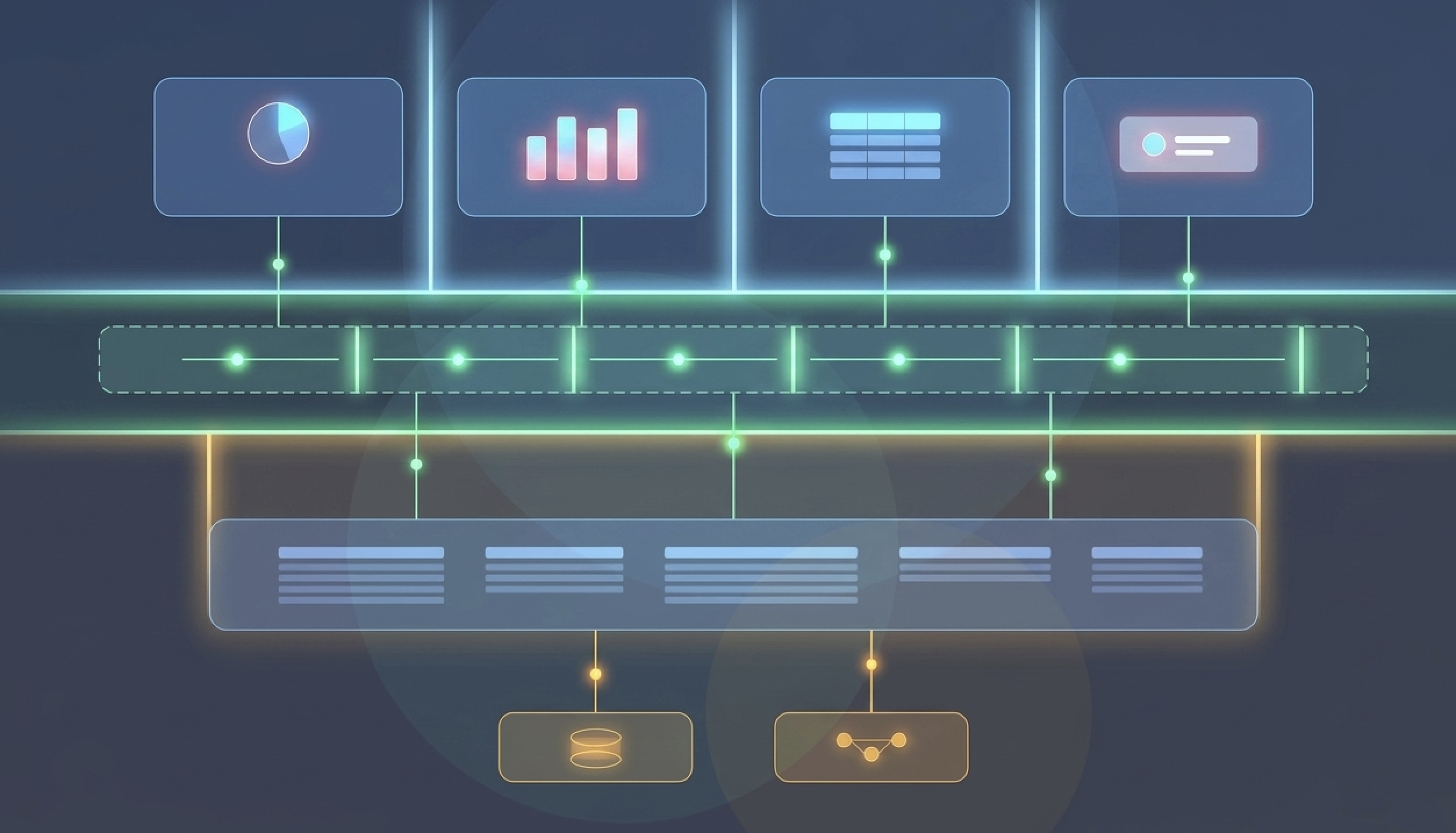
In Part 1, we explored what data apps are, why they’re becoming the preferred way to bring analytics into the flow of work, and how traditional tightly coupled architectures struggle to scale across platforms. We also introduced the Modular Runtime Environment (MRTE), a patented architecture that separates data processing, visualization, and interaction into independent layers connected through a message-driven runtime.
In this article, we’ll go one level deeper and examine how those layers communicate in practice. We’ll follow the lifecycle of a user interaction—from a click or tap to data retrieval, state updates, and content rendering—and see how the message-based design enables highly interactive, scalable data applications that can run consistently across web, mobile, and other platforms.
How the Message Flow between layers

When a user interacts with a visualization — say, tapping a bar in a chart on a mobile device — the Interaction Layer picks this up (M1). It doesn’t know what to do with it beyond identifying the gesture type and location. That signal goes to the Runtime Connector(RC).
The RC (M2) translates the raw interaction into something the Data Layer can understand — a typed command like “zoom in on this data item” or “change the graph type.” It encapsulates this and sends it down to the DL.
The Data Layer (M3) then decides: does it already have the data needed to respond, or does it need to go fetch something? If it has cached datasets, it can skip the database entirely and jump straight to packaging visualization data. If not, it generates a query (M4) and hands it to the Query Connector(QC).
The QC (M5) wraps the query in whatever protocol the backend speaks — standard SQL, an object query language, a MCP request — and sends it to the data or Agents systems (M6). It gets the response back, encapsulates it (M7), and returns it to the DL.
The DL packages everything into a Visualization Data (VD) document — a format that includes not just raw data items but also display parameters,metadata and subscriber routing information. It sends this (M8) to the PSVL via the RC.
The PSVL renders the widgets with the updated content.
Eight message hops. Each one with a clear responsibility, a single sender, and a single receiver. No layer accumulates knowledge it shouldn’t have.
Publisher/Subscriber backed Runtime engine
One of the more interesting structural choices in this design is using a topic-based publish/subscribe model as the coordination mechanism between the Data Layer and the widgets in the PSVL.
In a typical data application, multiple widgets — charts, tables, KPIs, filters, input forms — all need to communicate with the Data Layer and react to changes in real time. As the number of widgets and interactions grows, a single message bus or centralized queue can quickly become a bottleneck. Highly interactive applications generate a large volume of events, often requiring updates to be propagated to multiple components simultaneously.
The runtime addresses this with publish/subscribe(pub/sub) based messaging system . Rather than communicating directly, widgets and data services exchange messages through topics. Publishers — components of the headless execution engine inside the DL — are associated with one or more topics. Widgets in the PSVL subscribe to the topics they care about. When a publisher produces new visualization data, it broadcasts to the topic, and every subscribing widget receives the update.
Why does this matter practically? Publishers don’t need to know which specific widgets exist on a Data app. A publisher doesn’t route to a widget by name — it publishes to a topic, and any widget subscribed to that topic gets the update. You can add or remove widgets without rewriting any publisher logic. Components stay loosely coupled, extensibility comes cheap, and the application scales without creating dependencies between individual widgets and data services.
Topics can be evaluated dynamically — a message may resolve to zero or more specific topics at runtime. This gives the system flexibility to match a broad subscription (a widget that wants any update about a dataset) or a narrow one (a widget that only wants updates when a specific filter is active). The pub/sub layer also provides natural hooks for message filtering, debugging, performance tracking, and replay — since all communication is through messages, you can intercept the bus without modifying any layer.

Interactivity – How do Widgets Talk to Each Other?Bindings and Facets
The MRTE handles cross-widget coordination through two mechanisms: bindings and facets.
A facet is essentially an automatic cascading filter. When a user selects a filtering operation on one widget say clicking a region in a geographic map , the facet causes the same filter (or a derived one) to be automatically applied to other linked widgets. The DL identifies which data is linked, injects the filter into the other widgets’ query steps, and the relevant charts update without any explicit per-widget wiring in the client code.
A binding is more general. It maps user interactions and data item selections to visualization parameters. There are two flavors. Selection bindings fire every time a user interacts with a widget, specifying which datasets to query, what groupings and measures to apply, and how to display the result. Results bindings fire based on the output of one query step to configure another — useful for multi-stage calculations where intermediate outputs drive downstream display logic.
Both bindings and facets live inside the Visualization Data document itself, expressed in XML, JSON, or a similar structured format. They’re not hardcoded widget relationships — they’re data, which means they can be configured, versioned, and changed without code deploys. Data App behavior becomes a schema concern rather than an application logic concern.
The Headless Execution Engine: Run Anywhere, Render Anywhere
The architecture makes a point of emphasizing that the Data Layer may include a headless execution engine — one capable of operating without a GUI at all. This phrasing matters more than it might seem on a first read.
It means the DL can run as a backend service — on a server, in a cloud function, in a container — completely independent of any client-side rendering. The PSVL connects to it over the RC, but the DL doesn’t need to know or care whether that PSVL is a React web app, a native iOS view, an Android Activity, an embedded component in a third-party tool, or a command-line interface for automated reporting.
This directly addresses a platform portability problem, Separating the heavy computation into a headless DL means mobile and thin clients only implement the visualization layer — they receive pre-packaged Visualization Data and render it. The hard work happens wherever the DL is deployed.
The same property enables data-source agnosticism. The Query Connector acts as the translation boundary between the DL and any specific query language or MCP request. Swap in a different QC and the upstream layers — the widgets, the pub/sub routing, the binding and facet logic — don’t change at all.